- Horizon AI
- Posts
- Stop asking ChatGPT to “teach you a language.” Use these prompts to turn it into your free language coach 🌍
Stop asking ChatGPT to “teach you a language.” Use these prompts to turn it into your free language coach 🌍
ChatGPT will now predict how old you are 😱

Gina Acosta
January 21, 2026
In partnership with


Welcome to another edition of Horizon AI,
A lot of people ask ChatGPT to “teach me a language” and then wonder why they get boring vocab lists and no real speaking progress. In today’s issue, we share a set of prompts that turn ChatGPT into a practical conversation partner and grammar coach, so you can practice speaking, make mistakes, and actually improve.
Let’s jump into it!
Read Time: 4.5 min
Here's what's new today in the Horizon AI
OpenAI Rolls Out Age Prediction on ChatGPT
Adobe Acrobat Can Now Turn Any PDF into a Presentation or Podcast
AI Tutorial: 14 Prompts to Turn ChatGPT into Your Language Learning Coach
AI Tools to check out
AI Findings/Resources
The Latest in AI and Tech 💡
AI News
OPENAI
OpenAI Rolls Out Age Prediction on ChatGPT

OpenAI has begun rolling out age prediction on ChatGPT globally, implementing automated safeguards amid growing concern over AI’s impact on young people.
Details:
The new feature leverages an AI algorithm that assesses user accounts for specific “behavioral and account-level signals” to identify users who are likely underage.
When an account is flagged as possibly belonging to a minor, ChatGPT automatically applies additional protections to limit exposure to sensitive content.
Users who are incorrectly placed into the under-18 experience can regain full access by submitting a selfie through Persona, a third-party identity verification service.
In the European Union, the feature is expected to roll out in the coming weeks.
OpenAI’s CEO of Applications, Fidji Simo, has said an “adult mode” is expected to launch in the first quarter of 2026, and Sam Altman has discussed the possibility of allowing mature content for users who verify their age. This rollout could also be part of the preparation for those plans.
TOGETHER WITH WISPR FLOW
Better prompts. Better AI output.
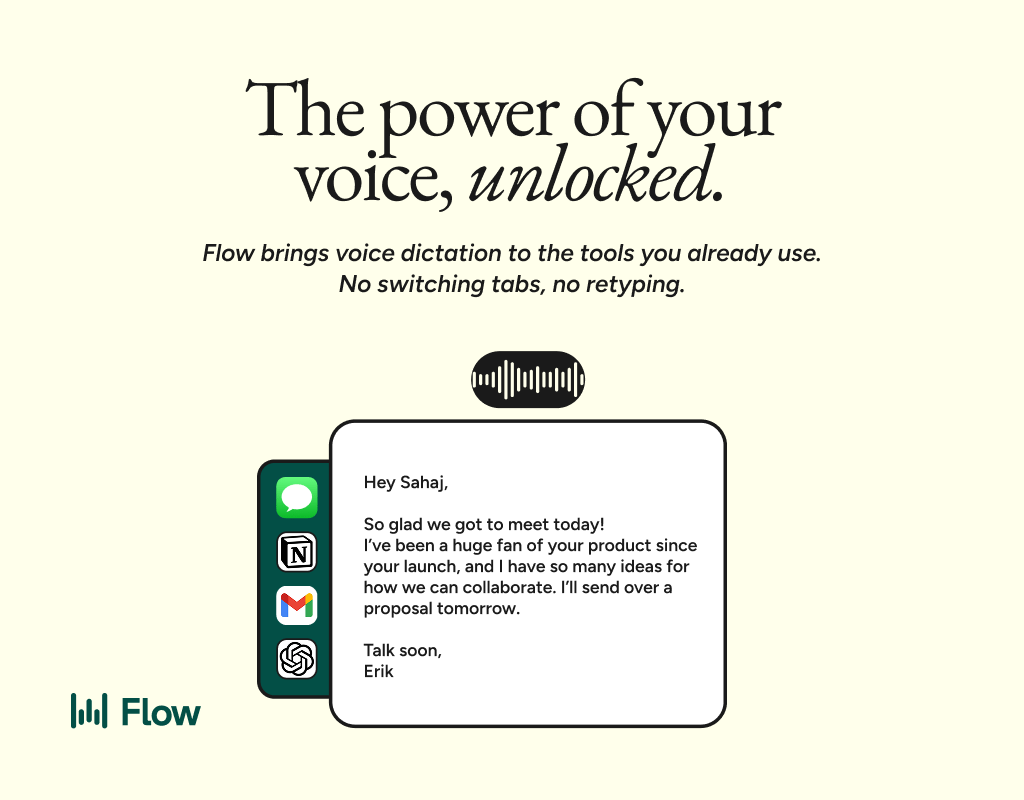
AI gets smarter when your input is complete. Wispr Flow helps you think out loud and capture full context by voice, then turns that speech into a clean, structured prompt you can paste into ChatGPT, Claude, or any assistant. No more chopping up thoughts into typed paragraphs. Preserve constraints, examples, edge cases, and tone by speaking them once. The result is faster iteration, more precise outputs, and less time re-prompting. Try Wispr Flow for AI or see a 30-second demo.
ADOBE
Adobe Acrobat Can Now Turn Any PDF into a Presentation or Podcast

Adobe has rolled out new generative AI features in Acrobat that let users edit documents with chat prompts and turn PDFs into podcasts and presentations, expanding what its document tools can do beyond reading and markup.
Details:
The updates are available in Acrobat Studio, Adobe’s AI-powered document workspace, which is separate from the standard Acrobat PDF reader.
A new Generate Podcast feature creates podcast-style audio summaries from documents like meeting notes, transcripts, reports, and study materials.
The feature currently relies on a Microsoft GPT model for transcription and a Google voice model for audio, though Adobe says this could change as it tests its own AI capabilities.
For visual summaries, users can ask the AI assistant to generate presentations or pitch decks based on key insights from their documents, using design templates from Adobe Express.
Acrobat’s AI assistant also supports chat-based PDF editing, allowing users to add signatures, remove or edit text, images, pages, and comments simply by describing the changes they want.
These additions position Acrobat Studio as a more interactive, AI-driven workspace, reflecting Adobe’s push to make long and complex documents easier to consume, edit, and repurpose across audio and visual formats.
AI Tutorial
14 Prompts to Turn ChatGPT into Your Language Learning Coach
Use these prompts to turn ChatGPT into your 24/7 conversation partner + grammar coach every time:
Level check + personalized study plan
"You are my expert [TARGET LANGUAGE] coach.
My native language is [NATIVE LANGUAGE], and my current level is roughly [LEVEL, e.g. A2 / “beginner”].

1. Start with a short level assessment: ask me 8–10 questions in [TARGET LANGUAGE], increasing in difficulty.

2. At the end, summarize my level (CEFR-style if possible) and list my main strengths and weaknesses.

3. Based on that, create a simple weekly study plan for me (7 days) that mixes: conversation, grammar, listening, reading, and writing.

4. Ask me 2–3 clarification questions about my goals (e.g. travel, work, exam, dating, etc.) and then refine the plan.
Keep explanations in [NATIVE LANGUAGE], but all questions and examples in [TARGET LANGUAGE] unless I say otherwise."
Daily conversation partner (short session)
"For this conversation, act as my friendly [TARGET LANGUAGE] speaking partner.
Goal: a [X]-minute conversation about [TOPIC, e.g. travel, work, hobbies] at roughly [LEVEL].

Rules:
- Use only [TARGET LANGUAGE], unless I type “HELP” — then briefly switch to [NATIVE LANGUAGE] to explain.
- Ask me one question at a time. Keep your messages short (max 2–3 sentences).
- If I reply with very short answers, gently push me to add more detail.
- At the end, give me a short feedback section with:
    - 3–5 key mistakes I made (quote my sentence, then correct it).
    - 3 useful new phrases I should remember, based on what I tried to say.
Start now by asking an easy warm-up question in [TARGET LANGUAGE]."
Conversation + hidden grammar coach
"In this chat, have a natural conversation with me in [TARGET LANGUAGE] about [TOPIC].
Your main goal: keep me TALKING. Your secondary goal: be my grammar coach.

Rules:
- Always respond in [TARGET LANGUAGE].
- Do NOT correct every tiny mistake immediately. Let me finish my message.
- After every 4–5 of my messages, send a “Mini Feedback” section in [NATIVE LANGUAGE] with:
    - bullet list of my most important mistakes (wrong → corrected),
    - one clear pattern or rule I should learn,
    - one short drill (3 example sentences for me to translate or fix).
Please start the conversation now with an easy, friendly question."AI Tools to check out
🦾 Gobii: Create 24/7 digital workers that automate your web tasks.
👉 Qwen Chat: A free-to-use AI assistant powered by the Qwen series models.
✅ Snaply: Brings instant AI dictation to every app and website on your Mac.
💻 Cowork: A user-friendly version of Anthropic's Claude Code AI-powered tool that's built for file management and basic computing tasks.
👥 Shadow: AI that sees, listens, and understands every meeting.
TOGETHER WITH GLADLY
AI in CX that grows loyalty and profitability

Efficiency in CX has often come at the cost of experience. Gladly AI breaks that trade-off. With $510M in verified savings and measurable loyalty gains, explore our Media Kit to see the awards, research, and data behind Gladly’s customer-centric approach.
AI Findings/Resources
🎧 State of the AI industry — the OpenAI podcast Ep. 12
🤖 Robot learns how to lip sync using AI and YouTube
✅ Best practices for coding with agents by the Cursor team
👀 Claim another model messed up the code, and Claude becomes surprisingly good at finding “bugs.”
👂 They hear, but do they care? What AI can teach us about listening better
The latest in AI and Tech
The company also said it has launched AI-powered tools to better connect members with relevant titles to watch and plans to further build on its AI advertising tools, which already let brands blend Netflix’s IP into their ads.
Consumers globally spent more on non-game mobile apps than games for the first time in 2025, according to Sensor Tower’s State of Mobile report. App spending reached about $85 billion, up 21% year over year, with generative AI as the main driver.
Sensor Tower also noted mobile’s central role in AI adoption, with more than half of the 200 million U.S. AI assistant users accessing these tools exclusively on mobile devices.
OpenAI says its long-teased AI wearable is still on track for a 2026 announcement, according to comments from Chief Global Affairs Officer Chris Lehane at an Axios panel during the World Economic Forum in Davos. Lehane confirmed the timing but shared no new details about the device.
The lack of specifics has fueled rumors that the product could take the form of AI-powered wireless earbuds, with unconfirmed reports from Chinese publications and a leaker claiming Foxconn is building a prototype.
YouTube says creators will soon be able to produce Shorts using AI versions of their own likeness, CEO Neal Mohan announced in his annual letter. The feature will add to YouTube’s growing set of AI tools for Shorts, which now average 200 billion daily views.
Mohan emphasized that AI is meant to support creativity, not replace creators, and said YouTube will roll out new controls to manage likeness use.
Schools can now use SynthID via the Gemini app to verify whether images or videos were created or edited by Google AI.
The update also introduces Drive ransomware detection with file restoration, deeper SecOps log integration for threat monitoring, and new access controls for Google Meet live streams, giving administrators tighter control over data security and responsible AI use.
That’s a wrap!
We'd love to hear your thoughts on today's email!Your feedback helps us improve our content |
Not subscribed yet? Sign up here and send it to a colleague or friend!
See you in our next edition!
Gina 👩🏻💻