- Horizon AI
- Posts
- 5 Creative Ways to Use ChatGPT’s New Image Model + Ready-to-Use Prompts 🎨
5 Creative Ways to Use ChatGPT’s New Image Model + Ready-to-Use Prompts 🎨
OpenAI releases "Spud" GPT-5.5 model 🔥

Gina Acosta
April 24, 2026

In partnership with

Welcome to another edition of Horizon AI,
It's only been a few days since OpenAI dropped its new image model, and people are already finding incredibly creative ways to use it. In today's issue, we're sharing 5 ways you can put its latest capabilities to the test.
Let’s jump into it!
Read Time: 4.5 min
Here's what's new today in the Horizon AI
OpenAI Releases 'Spud' GPT-5.5 Model
Microsoft Copilot Can Now Do Actual Work Inside Word, Excel, and PowerPoint
AI Tutorial: 5 Things to Try With ChatGPT's New Image Model
AI Tools to check out
AI Findings/Resources
The Latest in AI and Tech 💡
AI News
OPENAI
OpenAI Releases 'Spud' GPT-5.5 Model

OpenAI has launched GPT-5.5, codenamed 'Spud,' describing it as its most intuitive and capable model yet."
Details:
The model improves performance across areas like agentic coding, knowledge work, and scientific research, while using fewer tokens than GPT-5.4.
Despite the leap in capability, OpenAI says GPT-5.5 maintains the same response speed as GPT-5.4 in real-world use.
GPT-5.5 ranks first on the Artificial Analysis Intelligence Index with 60 points, surpassing competitors like Claude Opus 4.7 and Gemini 3.1 Pro Preview.
GPT-5.5 is rolling out to all paid subscribers in ChatGPT and Codex, and GPT-5.5 Pro, a version designed for even harder questions and higher-accuracy work, is rolling out to Pro, Business, and Enterprise users. API access is coming soon.
The release comes just one week after Anthropic launched Claude Opus 4.7, which debuted to very mixed reactions, despite what benchmarks show.
TOGETHER WITH GALACTIC FED

Marketing agency for fast-scaling companies and early startups.

The hidden team behind unicorn growth for Suno, Jeeves, and Picsart.
We’ve hired agencies. Most sucked. So we built one for founders like us.
Free growth plan for Horizon AI readers. We’ll show you the levers to scale fast in your niche over 6 months.
MICROSOFT
Microsoft Copilot Can Now Do Actual Work Inside Word, Excel, and PowerPoint

Microsoft is introducing a new Agent Mode across Word, Excel, and PowerPoint, upgrading Copilot into a more active AI that can take multi-step, app-native actions directly in your documents, spreadsheets, and presentations, rather than just answering questions.
Details:
Agent Mode is now the default experience for Microsoft 365 Copilot and Premium users, replacing the earlier, more limited version of Copilot inside Office apps.
Improvements in AI models mean Copilot can now handle multi-step instructions more reliably, maintaining context and user intent throughout complex edits.
A new real-time sidebar lets users see exactly what the AI is doing step by step as it works on a file.
In Excel, Copilot can actively modify workbooks by adding formulas, generating tables, and updating data.
In PowerPoint, it can refresh slides with new content while preserving company templates and design styles.
Microsoft says this shift reflects a move toward more hands-on AI workflows, turning Copilot into a true collaborator rather than just a helper.
Agent Mode is rolling out this week across Microsoft 365 Copilot, Premium, and even Personal and Family plans.
AI Tutorial
5 Things to Try With ChatGPT's New Image Model

Go to ChatGPT and try these:
Create high quality posters in seconds.
You can create stunning movie posters, or any kind of poster, with simple prompts.

"Make a poster, a design of Erling Haaland signing for Real Madrid. Advanced design level, 4:5, mobile wallpaper."

Credit: @underwoodxie96 on X
“Create a Science fiction movie poster”
Incredibly detailed and accurate infographics

Credit: @DeryaTR_ on X
"Create an extremely detailed infographic explaining all of the hallmarks of aging known at this time and those that may be added."
Comic page coloring & translation
The new model comes with significantly enhanced multilingual support, particularly in understanding and rendering non-Latin text:

“Colorize this comic page and translate it into Chinese, placing the text in the original positions while maintaining composition and image details consistently”
A grid of unique pixel art items with meaningful labels, all in a single image

Credit: @ProperPrompter on X
Create a 10 × 10 grid of 100 different fantasy RPG items rendered in classic pixel art style (16-bit or 32-bit sprite aesthetic, reminiscent of SNES/GBA-era JRPGs). Each item should appear in its own square tile with a short clear label underneath. Keep the grid neat on a white background. Make every item visually distinct and every label correctly spelled. Use crisp pixel edges, limited palette per sprite, and subtle dithering for shading.
Use these row themes:
Row 1: swords and blades
Row 2: shields and armor
Row 3: bows, crossbows, and ranged weapons
Row 4: staves, wands, and magical foci
Row 5: potions, elixirs, and flasks
Row 6: scrolls, tomes, and spellbooks
Row 7: rings, amulets, and enchanted trinkets
Row 8: helmets, crowns, and headgear
Row 9: keys, relics, and quest items
Row 10: gems, runes, and crafting materials
Show each tile as a centered item sprite on a clean background square, rendered as a classic inventory icon — the kind you'd see in a fantasy RPG menu. Keep the overall style consistent, cohesive, and reminiscent of beloved retro fantasy RPGs — charming, detailed, and instantly readable at small sizes.
Generate thumbnails from sketches

Note: Free users have a daily generation limit, and only ChatGPT Plus, Pro, and Business users can generate images with thinking mode enabled.
AI Tools to check out
🗣 TTS Pronunciation Benchmark: Find out how accurately commercial streaming text-to-speech models pronounce non-standard text.
📳 Essential Voice: Turn raw speech into clear, ready-to-use writing.
🔧 Pioneer: Fine-tune any LLM in minutes, with one prompt.
🔍 Timelaps: Know if your marketing is working with real-time insights.
👀 Agentation: The visual feedback tool for AI agents. It turns UI annotations into structured context that AI coding agents can understand and act on.
TOGETHER WITH NEO
Smarter browsing. Your data never leaves the room.
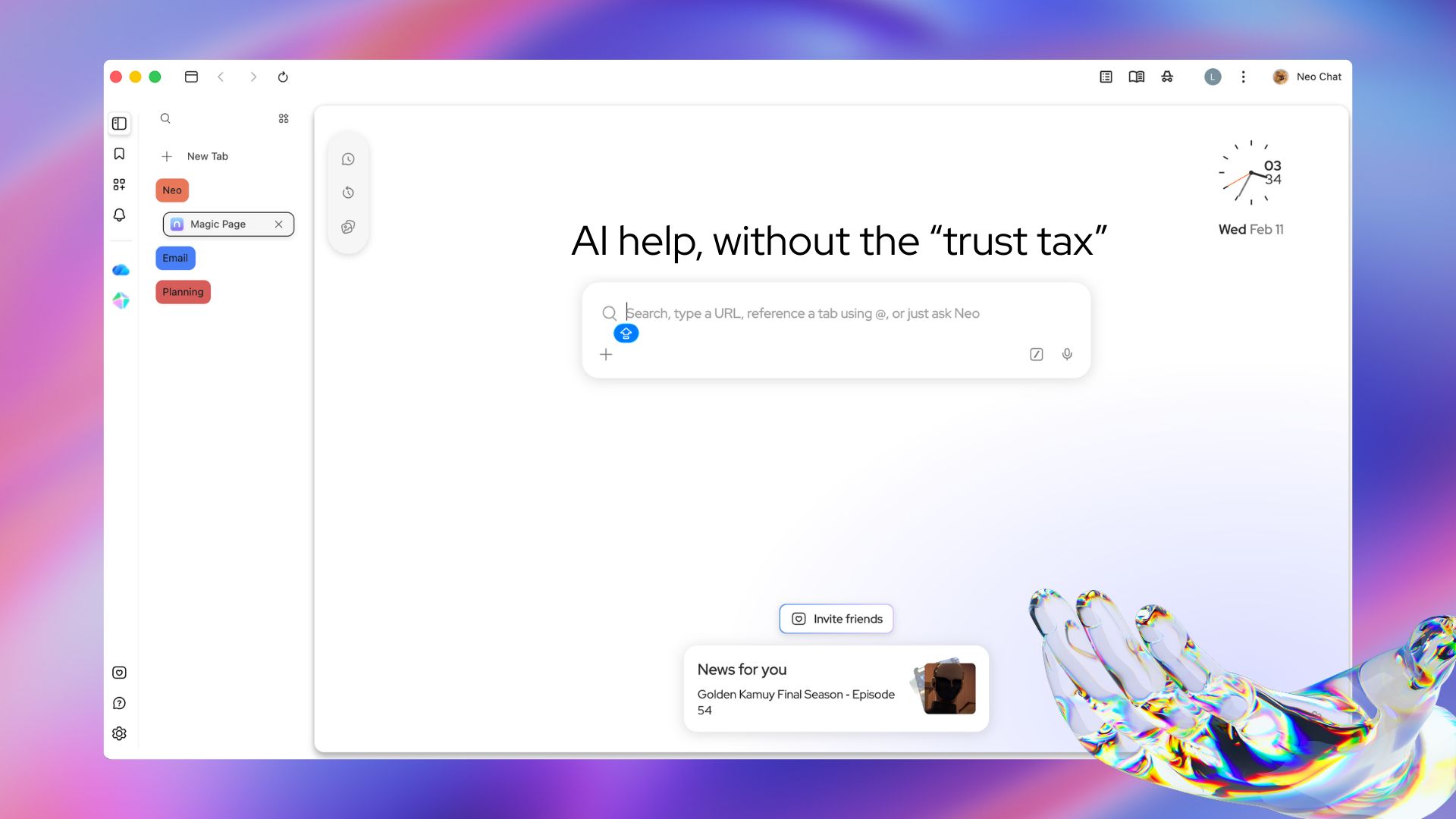
Most AI tools are a trade — your data for intelligence. Norton Neo breaks that deal. Powerful built-in AI, anti-fingerprinting, VPN, and ad blocking come standard. No setup. No add-ons. No compromises. Search, summarize, and write with AI that works inside your browser and stays there.
AI Findings/Resources
📚 Gemini CLI Essentials: Learn how to use the Gemini CLI for agentic coding.
🤖 Unitree’s G1 humanoid robot stuns with skating flips and spin in wild demo
👉 Anthropic released a post-mortem on three issues that caused Claude Code's quality to slip over the past month, following reports from users.
🤦♀️ People are making tons of money by creating dropshipping websites that sell cheap watches then making videos of AI goth girls who pretend to be the creators
The latest in AI and Tech
This version of ChatGPT is designed to support clinical tasks like documentation and medical research. It is available for free for any verified physician, NP, PA, or pharmacist in the U.S.
Elon Musk's AI startup has reportedly held talks with Mistral AI about a potential partnership aimed at competing with OpenAI and Anthropic. The discussions also involved Cursor, which had just announced a deal with Musk's other company, SpaceX, days earlier.
The White House Office of Science and Technology Policy has accused China-backed actors of running “industrial-scale” campaigns to extract capabilities from leading U.S. AI models. Officials say attackers use techniques like large-scale querying and jailbreaks to replicate systems such as OpenAI and Anthropic models at a fraction of the cost.
Anthropic is rolling out new Claude app connectors that let users link personal services like Spotify, Uber Eats, and TurboTax directly into conversations.
That’s a wrap!
We'd love to hear your thoughts on today's email!Your feedback helps us improve our content |
Not subscribed yet? Sign up here and send it to a colleague or friend!
See you in our next edition!
Gina 👩🏻💻